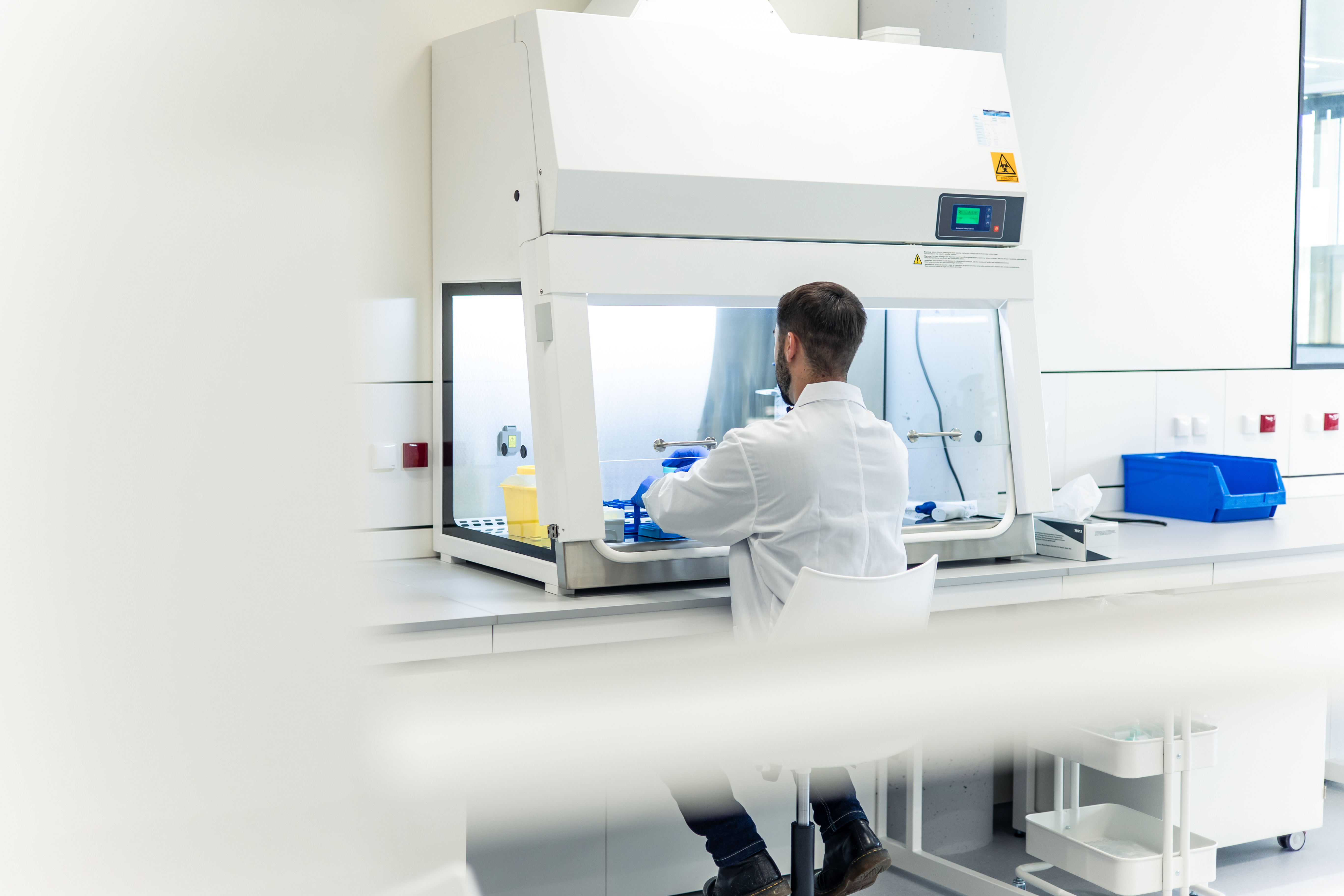
Make lab inventory dull and boring
A walk-up bench sheet right in your lab for checkouts, and a quiet dashboard for the lab manager. LabBench records sample movement where they happen, so inventory stops depending on memory, spreadsheets, and end-of-week cleanup.
That inventory spreadsheet only works because you do
That spreadsheet only works because you keep it alive. The printout on the freezer is six weeks out of date. That LIMS system? Everybody dreads opening it up. So at 7pm on a Thursday, you're freezer-diving for a vial that isn't where someone said they put it.
Spreadsheets fall apart
Your lab mates forget to update them. New hires can't interpret them. And when someone is putting together a report, you spend a Friday afternoon making corrections.
LIMS and ELNs are heavy at the bench
LIMS and ELNs can manage complex lab workflows, but everyday inventory movement should not require a full software detour. When checkout takes too long, the lab routes around it. The lab manager cleans up the gap later.
Paper clipboards are a second job
Printouts work until someone has to collect them, decode half-finished notes, reconcile missing vials, and type everything back into the system. The bench got through the week. Now someone has to clean up the inventory trail.
Lab inventory built around the way your lab already works
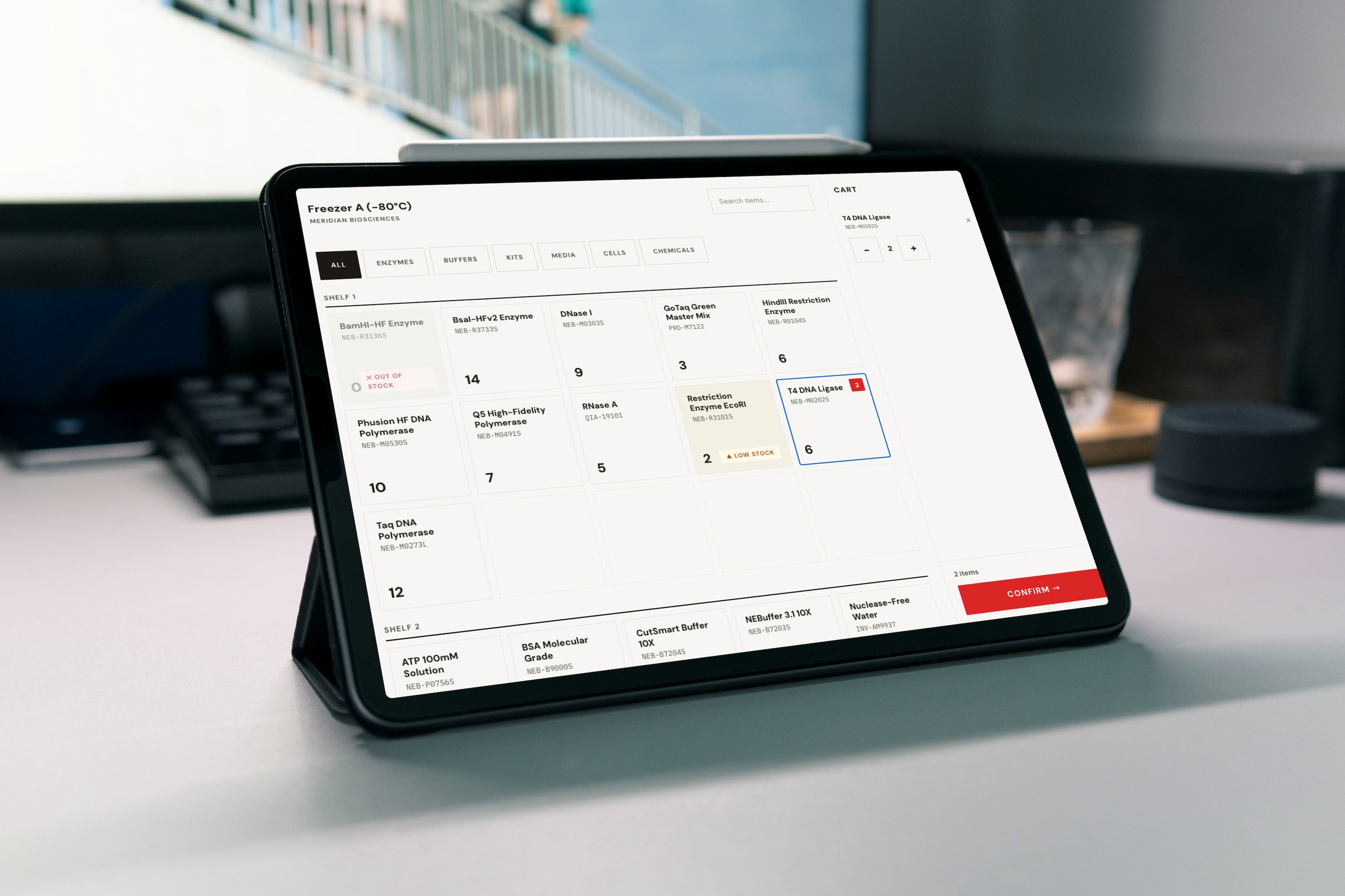
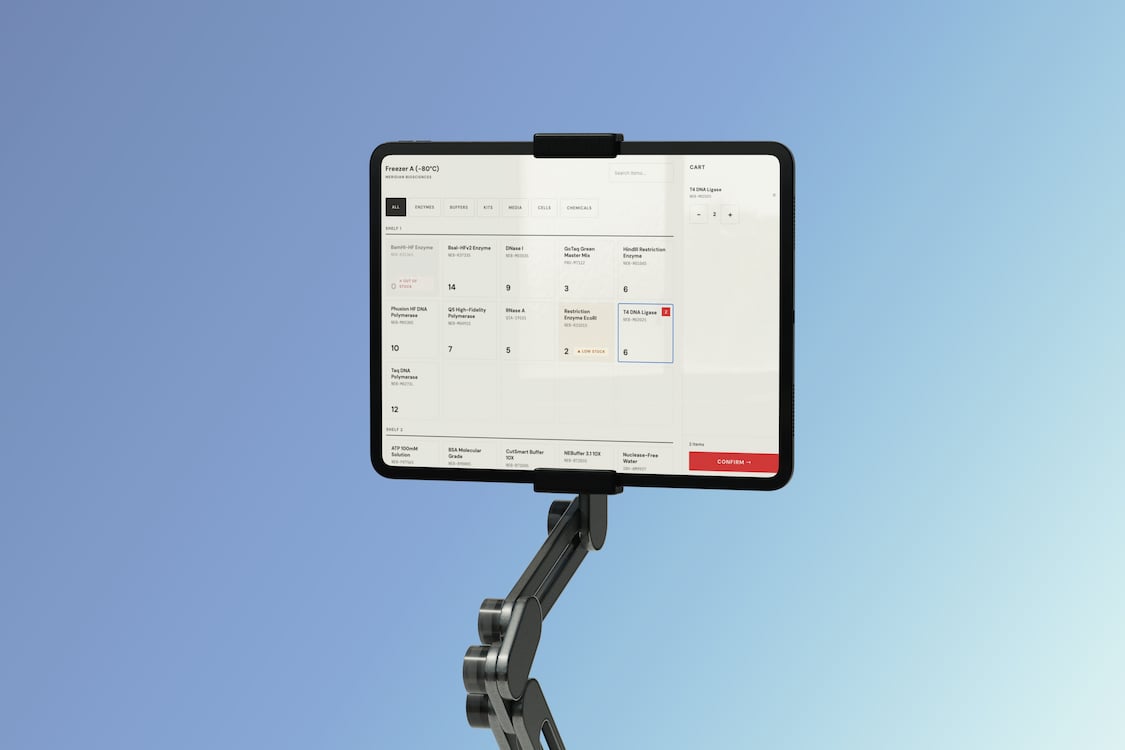
Your lab should not have to work around its software. LabBench puts inventory updates where sample movement actually happens: in the lab, where the samples already are. A tablet bench sheet gives your lab mates a walk-up surface to check out samples right next to the freezer, while the LabBench dashboard gives lab managers a complete view from their desk. The result is less friction at the bench and fewer cleanup rituals afterward.
Freezer-side checkout
A digital bench sheet on a tablet that sits next to where your samples live. Large buttons work when you're carrying an ice bucket and wearing gloves. Tap your samples, check out, and get back to work.
Reconciliation without the scavenger hunt
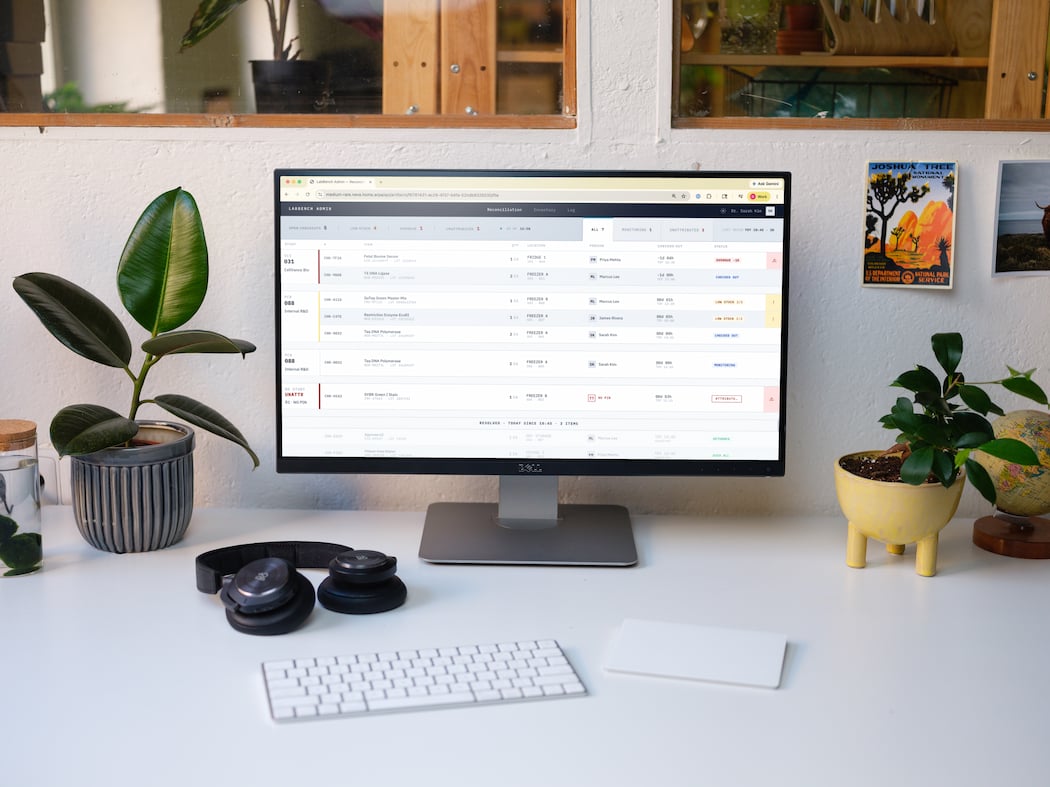
The desktop dashboard surfaces the records that need attention: open checkouts, missing study links, low stock, and other exceptions. Instead of collecting paper sheets and hunting for gaps, you start with the cleanup list.
Audit trails without slowing down checkout
Every checkout, check-in, and edit is append-only, time-stamped, and user-attributed. LabBench is designed to support audit-friendly recordkeeping, including 21 CFR Part 11 workflows when you need it.
Paper works in Wi-Fi dead zones. So does LabBench.
Paper wins at the bench because it doesn't need Wi-Fi. LabBench keeps checkouts in the same messy places, so a bad connection does not elave the lab manager piecing together what happened later.
Three steps. One afternoon.
From zero to running in a single day. No IT involvement, no waiting for a vendor to spin up your instance.
01
Join the pilot
Drop your email. We'll send you a setup walkthrough and the install link for the bench sheet on your tablet.
02
Create your lab
Add your team's emails, your inventory locations (fridges, freezers, etc.), and import your samples.
03
Put it in your lab
Load Benchsheet on your tablet and place it near where you keep your samples: a freezer, incubator, fridge, shelf, cabinet, or stockroom. Your team checks samples in and out in the lab. You watch the dashboard from your desk. You can focus on your research.
Get the digital bench sheet
We're walking the first labs through setup ourselves. Drop your email and we'll be in touch with install instructions and a short onboarding call.
Questions
Practical answers on fit, setup, offline work, imports, and what comes next.
No. LabBench is a focused inventory system for the work that happens away from the desktop: checking items in and out, keeping records current, and giving lab managers a dashboard for reconciliation and exceptions. It can sit alongside your existing LIMS or replace the spreadsheet, printout, or clipboard your lab uses today.
Benchsheet is the shared in-lab checkout surface your lab mates use near the inventory. LabBench is the desktop dashboard for lab managers: inventory views, users, reconciliation, exceptions, and reporting. Benchsheet captures activity where the work happens; LabBench gives the manager the clean record afterward.
Benchsheet runs on a tablet, computer, or phone — whatever device you can place where inventory work already happens. Near a freezer, fridge, shelf, cabinet, stockroom, or bench area. The point is to make checkout available at the moment of use, not tucked away in a desktop system people have to remember later.
The digital bench sheet keeps working locally when the network is unavailable. Your team can keep checking items in and out during dead zones or outages. When the connection returns, it syncs with LabBench so the dashboard is kept up to date.
Yes. During setup, you can import your existing Excel or Google Sheet and map your columns into LabBench. The goal is to start from the inventory you already have, not make you rebuild it by hand.
Still have questions?
Send us a note and we'll help you figure out whether LabBench fits your lab.
Stop running inventory alone
Join the pilot. We'll handle setup on a tablet you have right now.